 .com
 Explore this collection ↗
Home / Theme deckFROM THE CAPTAIN’S CHARTROOM
Launcher Icons
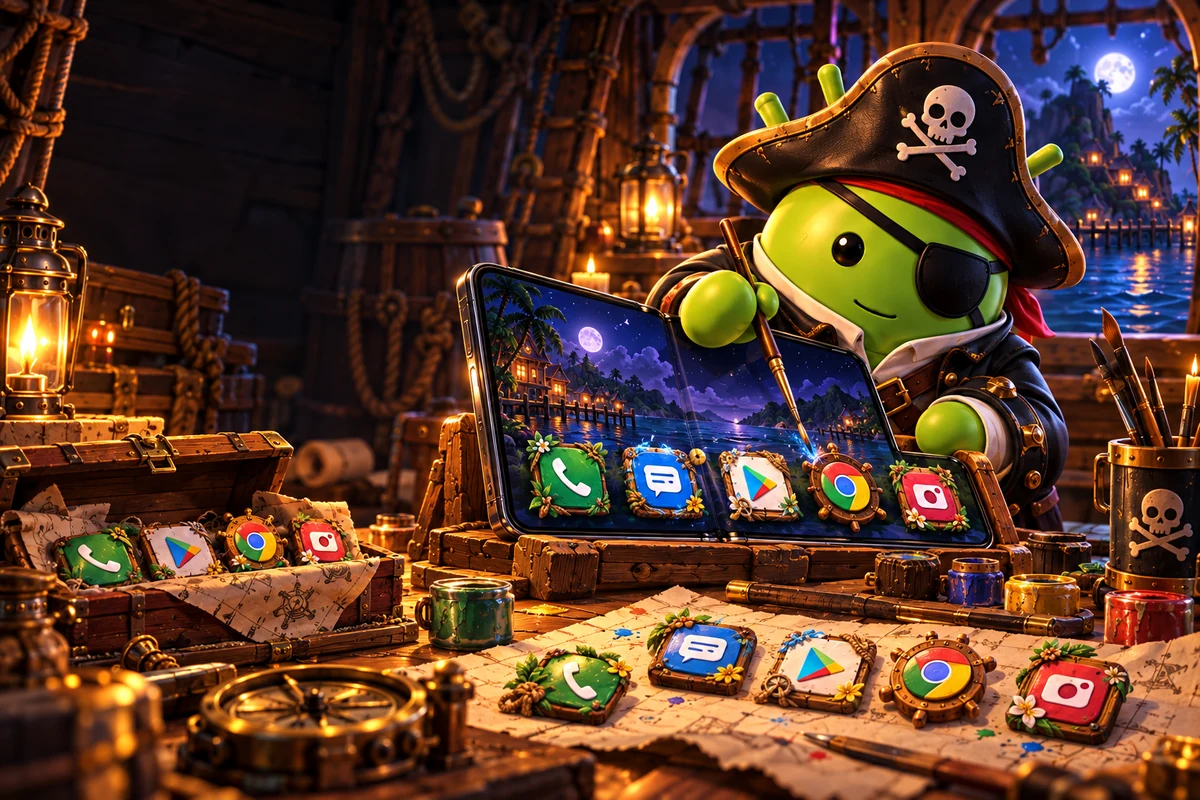
Small icons. Big personality.
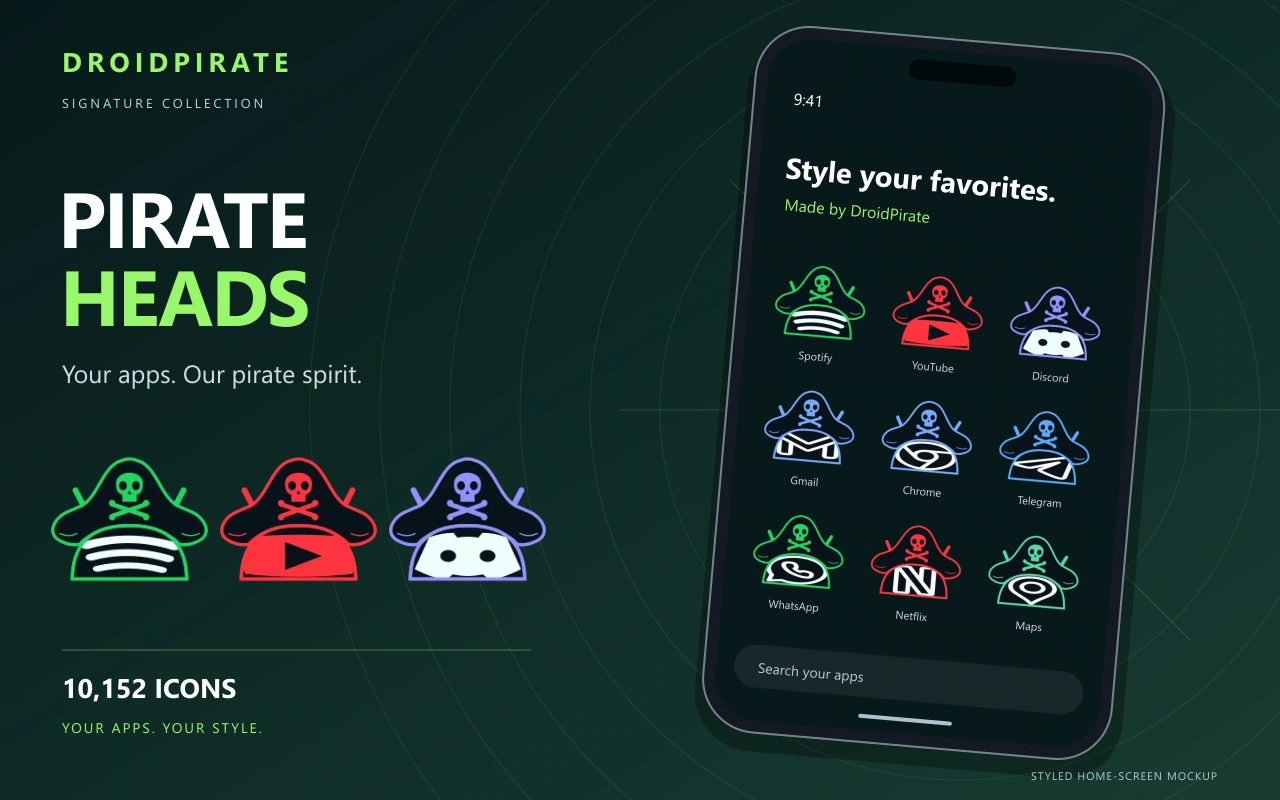
Choose illustrated Android shortcuts, save your picks and install a matching collection.
Find yer icons
CHOOSE YOUR CREW
One theme. Every shortcut.
Get a collection together, or choose your favorites one by one.
DROIDPIRATE ORIGINAL
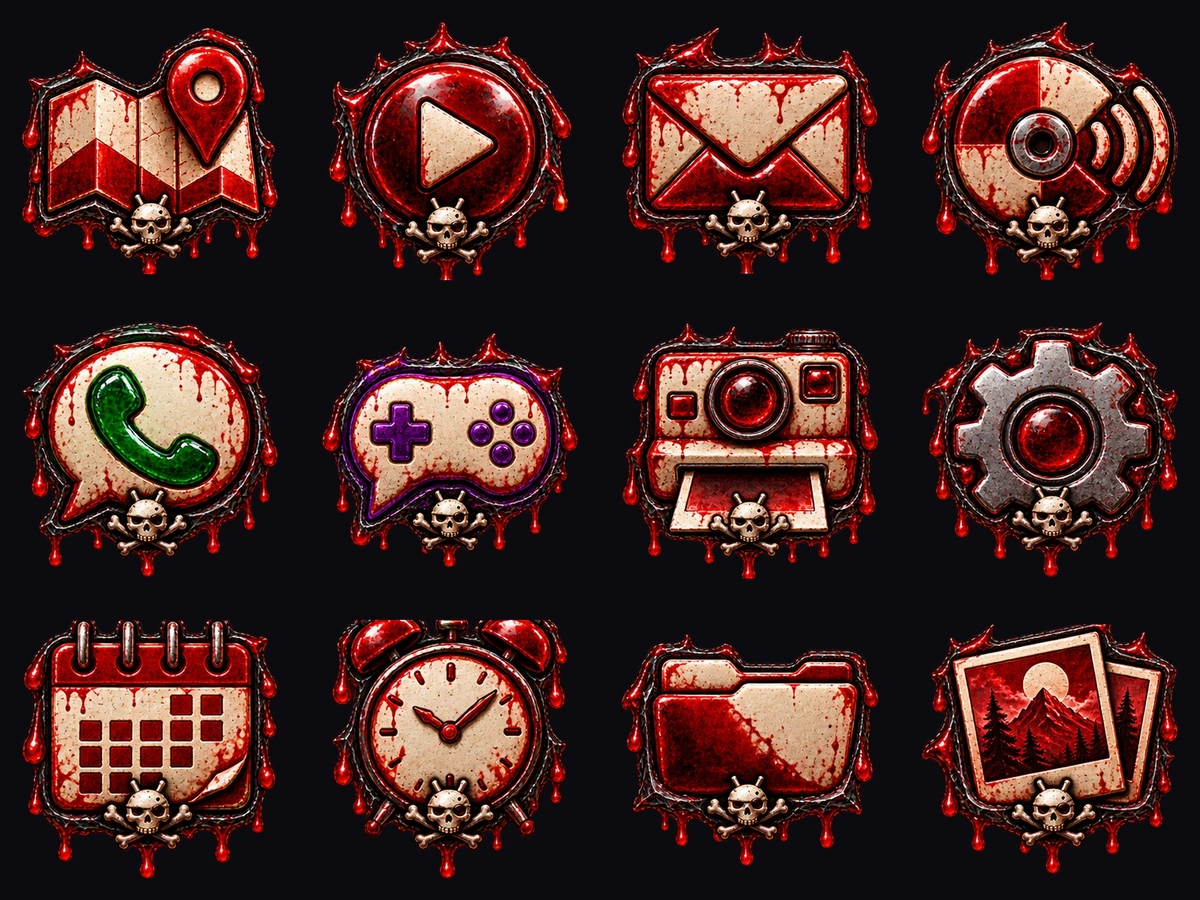
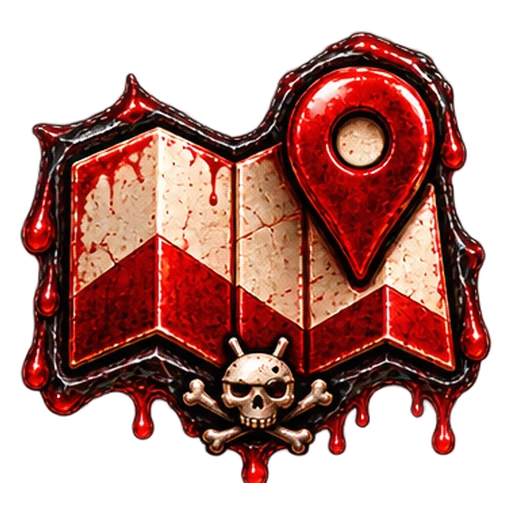
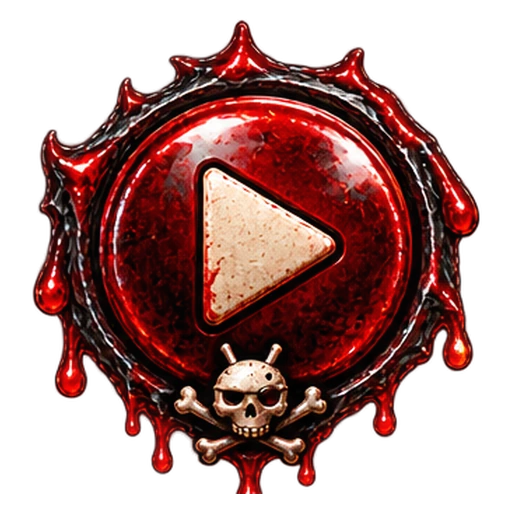
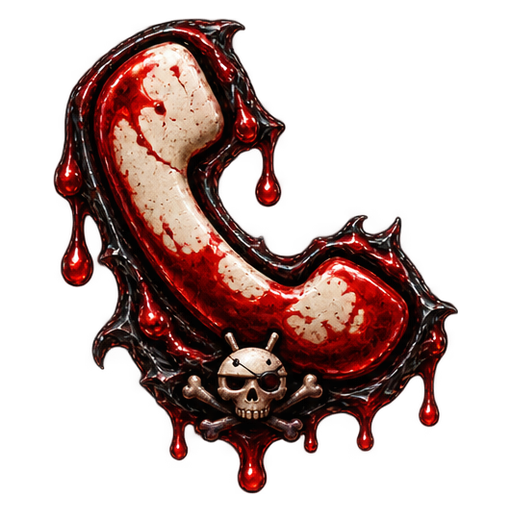
Blood Illustrated
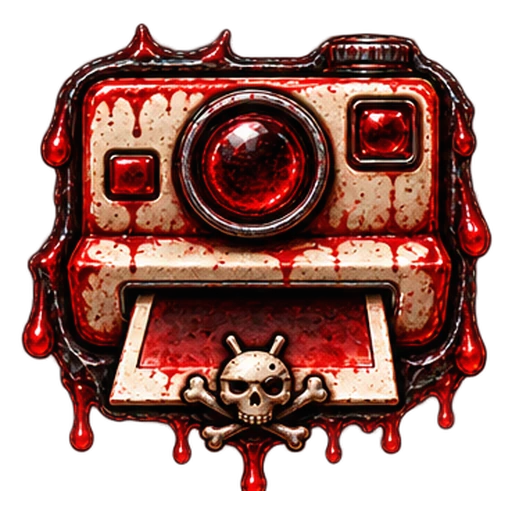
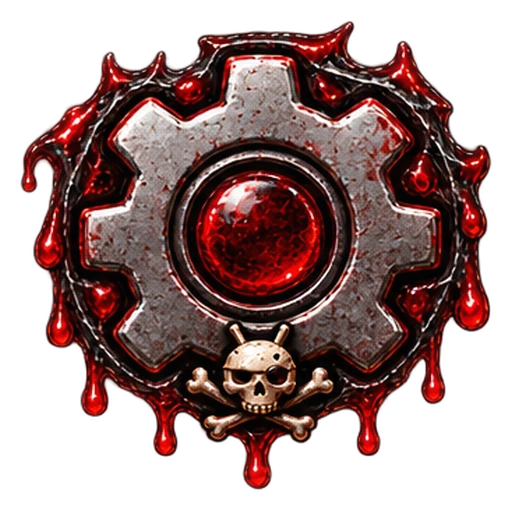
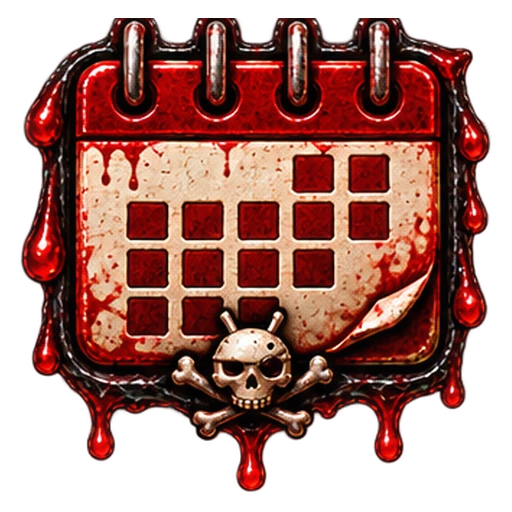
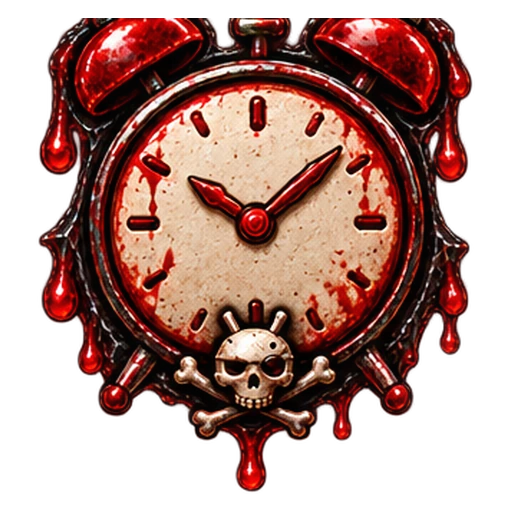
Twelve richly illustrated shortcut designs. Dark detail, crimson highlights and serious personality.
FLOWER-POWER SHORTCUTS
Hippie Hideaway
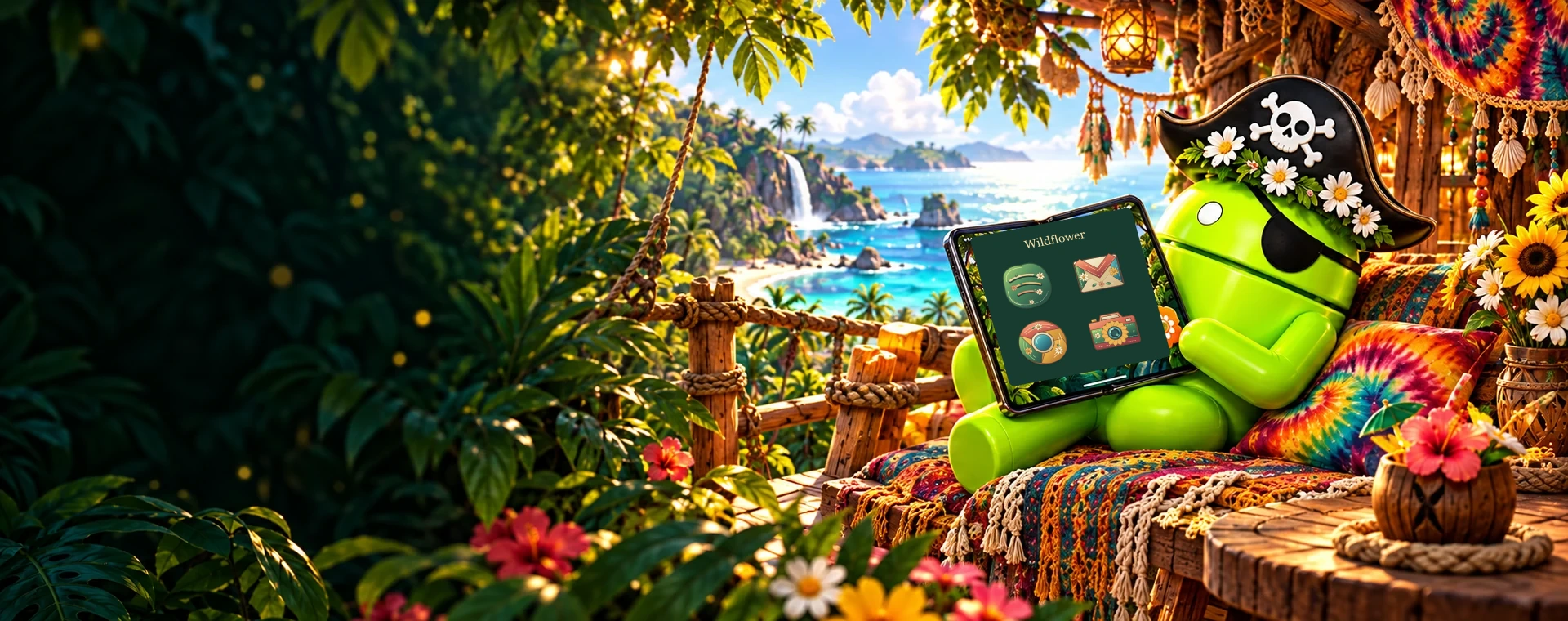
Five app-shaped Wildflower shortcuts with leafy details, warm colors and embroidered accents.

AFTER-DARK ANDROID
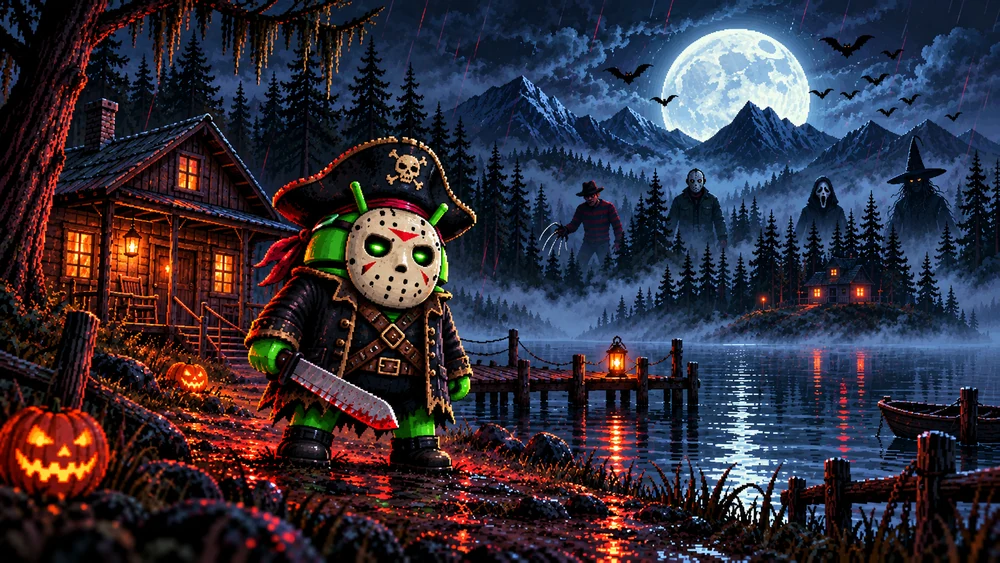
Camp Droidmare
Five illustrated horror dock icons to complete your haunted home screen. Pair them with the Camp Droidmare theme.
INSPECT THE TREASURE
Find your new favorites.
Preview an icon on an Android-style home screen before you download.
No treasure here yet.
Try a different search, or save a few icons with the heart button.
THE CAPTAIN’S QUICK GUIDE
Three steps. A whole new look.
Pick yer collection
Choose an APK for a built-in icon picker, a ZIP for the whole artwork set, or download one launcher icon.
Choose your launcher
Use a launcher that supports icon packs or custom shortcut images. Some stock Android launchers cannot apply these collections.
Make it yours
For APKs, install and open your launcher’s icon picker. For artwork, extract the ZIP, long-press a shortcut, choose Edit / Icon, and select your design.
Why didn’t every app icon change?
These are small illustrated collections, not full mapped icon packs. Pick a design manually for each shortcut. Your actual apps stay unchanged.
Does the APK replace Phone, Camera or Messages?
No. It supplies launcher artwork and an icon picker. Your original apps and their functions are not replaced.
Can I combine icons with a matching theme?
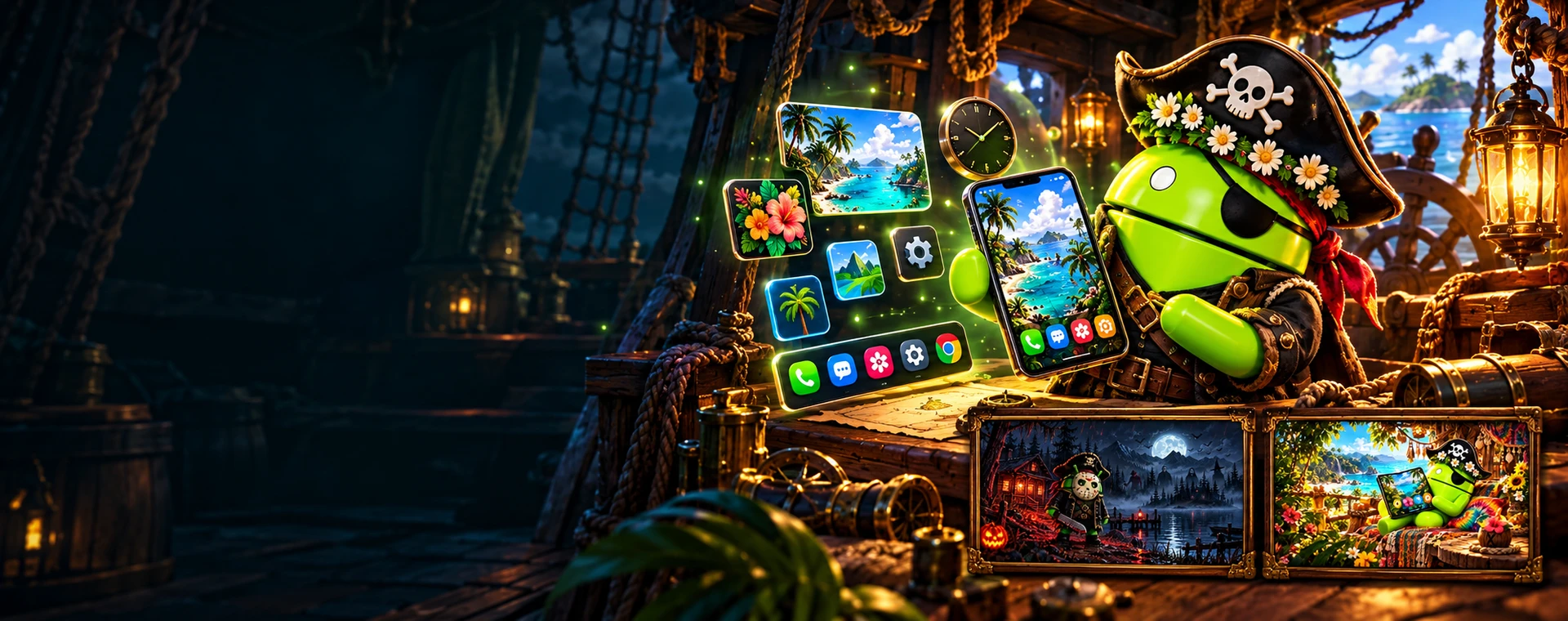
Yes. Open the collection’s Matching theme link for its coordinated wallpapers, docks, clocks and setup instructions.
COMPLETE YER HOME SCREEN