
 .com
.com
 Explore this collection ↗
Home / Theme deckFROM THE CAPTAIN’S CHARTROOM
Launcher Docks
Build a better landing.
Transparent launcher docks with phone, foldable and tablet sizes. Choose the canvas that fits your setup.
Choose yer dock Explore this collection ↗
 Explore this collection ↗
 Explore this collection ↗
 Explore this collection ↗
 Explore this collection ↗
 Explore this collection ↗
 Explore this collection ↗
 Explore this collection ↗
 Explore this collection ↗
 Explore this collection ↗
 Explore this collection ↗
 Explore this collection ↗
 Explore this collection ↗
 Explore this collection ↗
 Explore this collection ↗
 Explore this collection ↗
 Explore this collection ↗
27 of 27 docks · Standard phonesHow to apply a dock ↓
Droidpirate · original dock
5 sizesPumpkin Glow
A slim ember-orange rail framed by glowing pumpkins and curling vines.
Actual dock artwork · transparency preserved
For launchers that accept custom background images.
Original DroidPirate dock artwork.
Droidpirate · original dock
5 sizesVampire Velvet
A low burgundy rail with bat wings and delicate gothic silver trim.
Actual dock artwork · transparency preserved
For launchers that accept custom background images.
Original DroidPirate dock artwork.
Droidpirate · original dock
5 sizesGhost Mist
A pale spectral strip with soft ghostly smoke and flowing ends.
Actual dock artwork · transparency preserved
For launchers that accept custom background images.
Original DroidPirate dock artwork.
Droidpirate · original dock
5 sizesWitching Hour
A slim violet dock with crescent moons and hanging golden stars.
Actual dock artwork · transparency preserved
For launchers that accept custom background images.
Original DroidPirate dock artwork.
Droidpirate · original dock
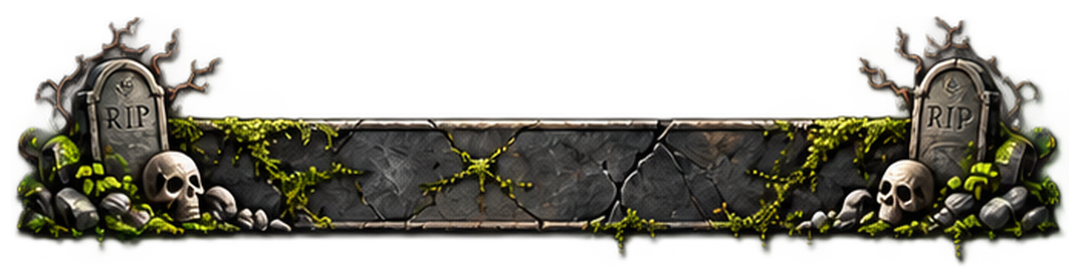
5 sizesGraveyard Slate
A low cracked-slate dock with moss, skulls and gravestone ends.
Actual dock artwork · transparency preserved
For launchers that accept custom background images.
Original DroidPirate dock artwork.
Droidpirate · original dock
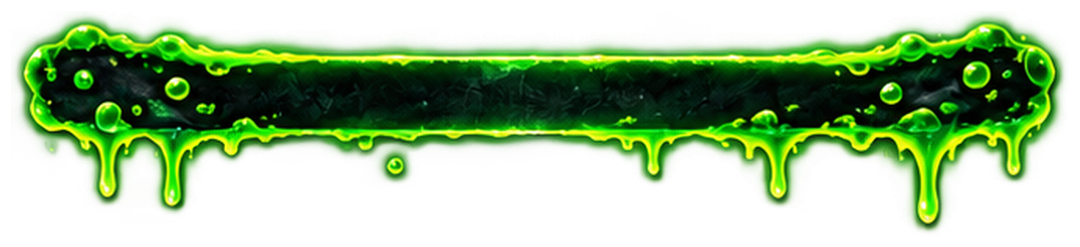
5 sizesToxic Slime
A dark slim rail edged in glowing green slime with short drips.
Actual dock artwork · transparency preserved
For launchers that accept custom background images.
Original DroidPirate dock artwork.
Droidpirate · original dock
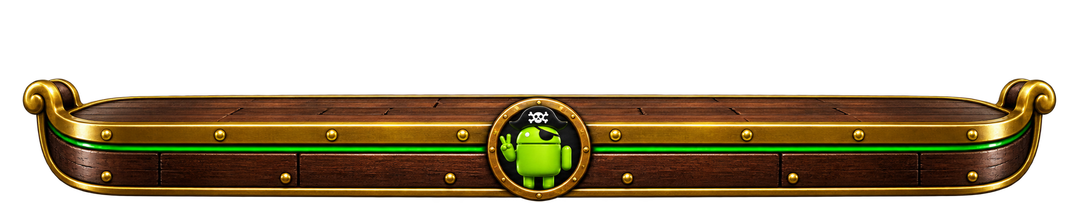
5 sizesPirate Treasure
Weathered ship planks, rope, brass bands and treasure at both ends.
Actual dock artwork · transparency preserved
For launchers that accept custom background images.
Original DroidPirate dock artwork.
Droidpirate · original dock
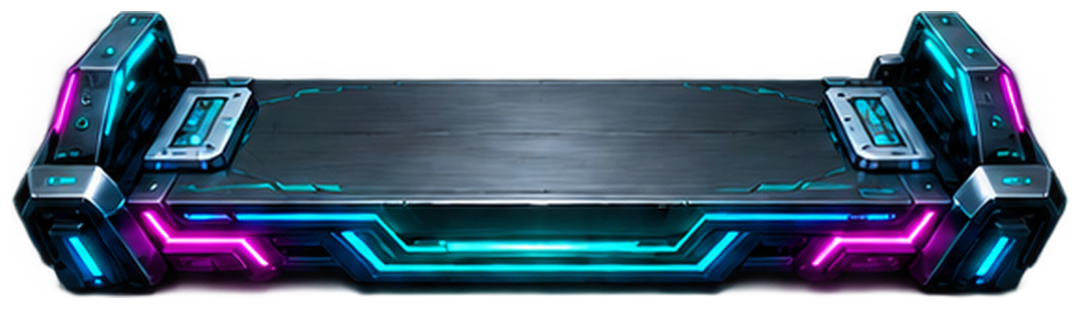
5 sizesNeon Circuit
An angular dark platform traced with electric cyan and magenta light.
Actual dock artwork · transparency preserved
For launchers that accept custom background images.
Original DroidPirate dock artwork.
Droidpirate · original dock
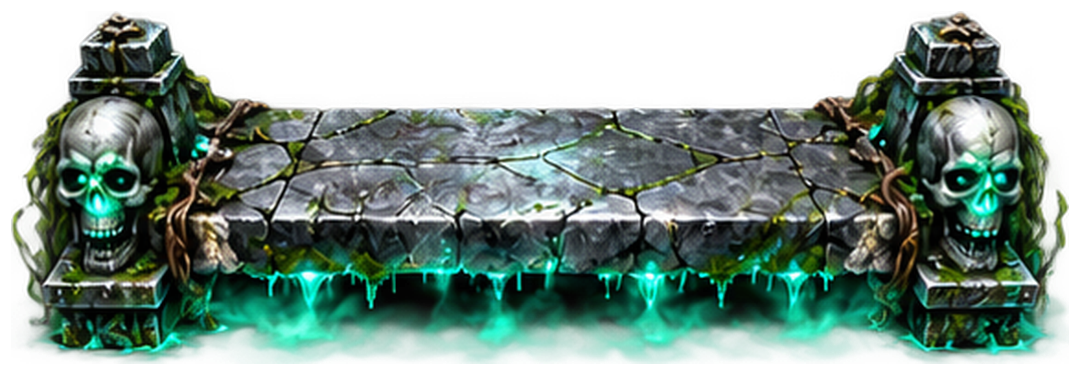
5 sizesHaunted Crypt
Cracked stone, skull endcaps and a spectral green glow.
Actual dock artwork · transparency preserved
For launchers that accept custom background images.
Original DroidPirate dock artwork.
Droidpirate · original dock
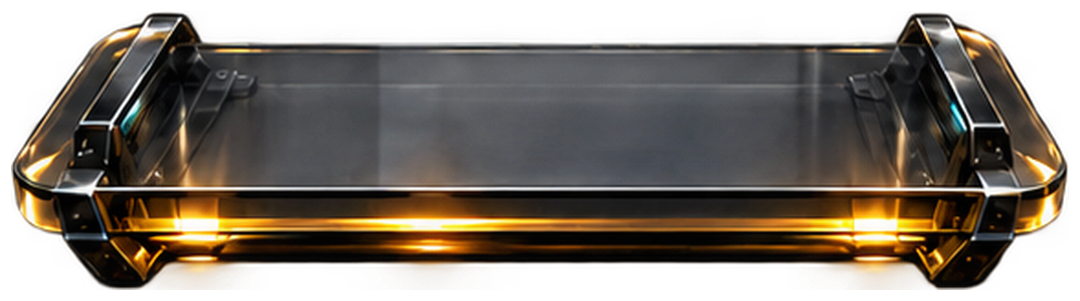
5 sizesSmoked Glass Deluxe
Dark reflective glass with sculpted bevels and warm brass edging.
Actual dock artwork · transparency preserved
For launchers that accept custom background images.
Original DroidPirate dock artwork.
Droidpirate · original dock
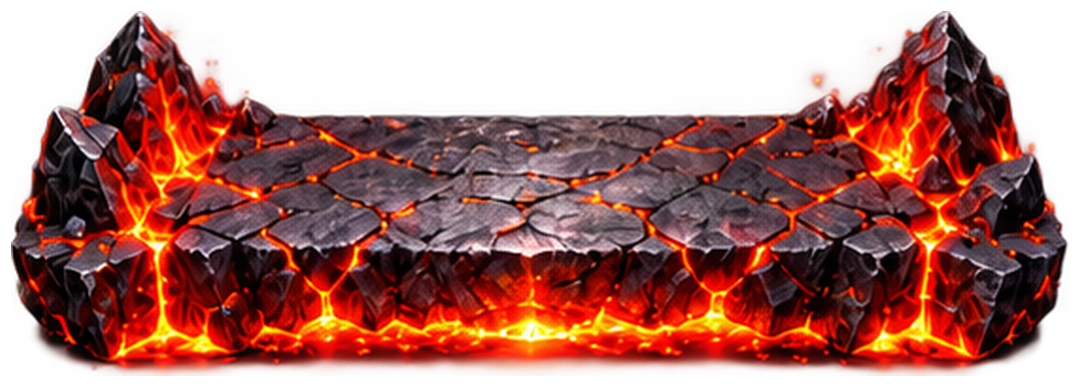
5 sizesLava Forge
A volcanic rock shelf with glowing molten seams and fiery edges.
Actual dock artwork · transparency preserved
For launchers that accept custom background images.
Original DroidPirate dock artwork.
Droidpirate · original dock
5 sizesFrozen Fjord
A crystalline blue ice platform with frosted peaks and an icicle edge.
Actual dock artwork · transparency preserved
For launchers that accept custom background images.
Original DroidPirate dock artwork.
Droidpirate · original dock
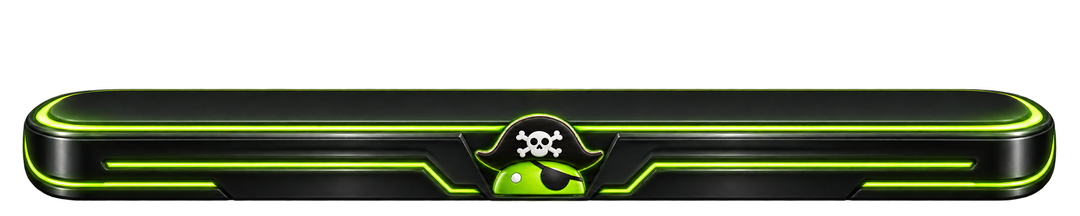
5 sizesPirate Command
Lime-lit titanium with the DroidPirate captain at the helm.
Actual dock artwork · transparency preserved
For launchers that accept custom background images.
Original DroidPirate dock artwork.
Droidpirate · original dock
5 sizesTreasure Deck
Walnut, brass and a little stolen treasure. A dock for the captain.
Actual dock artwork · transparency preserved
For launchers that accept custom background images.
Original DroidPirate dock artwork.
Droidpirate · original dock
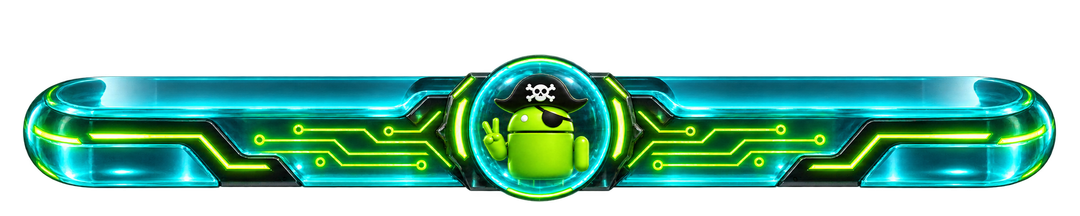
5 sizesGhost Ship
A cyan glass platform with a glowing DroidPirate hologram.
Actual dock artwork · transparency preserved
For launchers that accept custom background images.
Original DroidPirate dock artwork.
Recreated classic
5 sizesCarbon Rail
Woven carbon, a silver edge and a quietly technical finish.
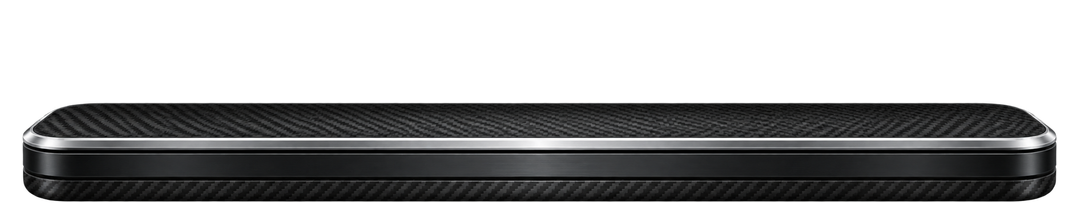
Actual dock artwork · transparency preserved
For launchers that accept custom background images.
New artwork inspired by classic dock styles. Historical reference: CarsnGadgets, carbondock1.png. Recreated artwork; not an original archive download.
Recreated classic
5 sizesEmerald Rail
A bright green rail cut into a glossy midnight platform.
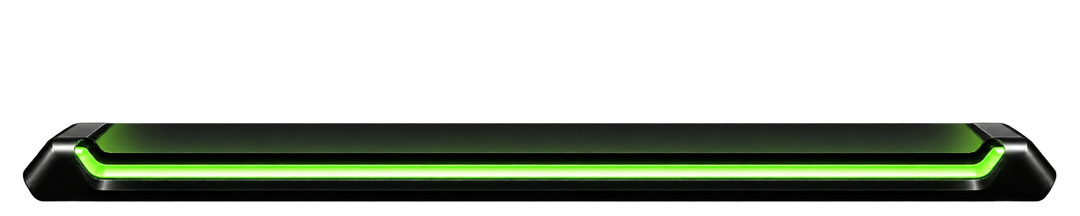
Actual dock artwork · transparency preserved
For launchers that accept custom background images.
New artwork inspired by classic dock styles. Historical reference: CarsnGadgets, customdock1green.png. Recreated artwork; not an original archive download.
Recreated classic
5 sizesCircuit Board
Fine golden traces bring a little hardware to your home screen.
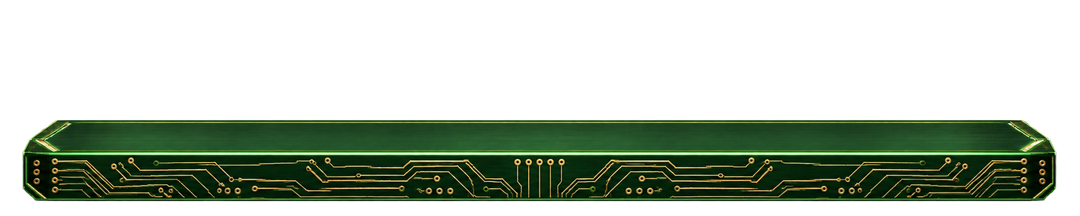
Actual dock artwork · transparency preserved
For launchers that accept custom background images.
New artwork inspired by classic dock styles. Historical reference: CarsnGadgets, customdock1circuit.png. Recreated artwork; not an original archive download.
Recreated classic
5 sizesCyan Pulse
Cool cyan rails and rounded blue endcaps for an electric setup.
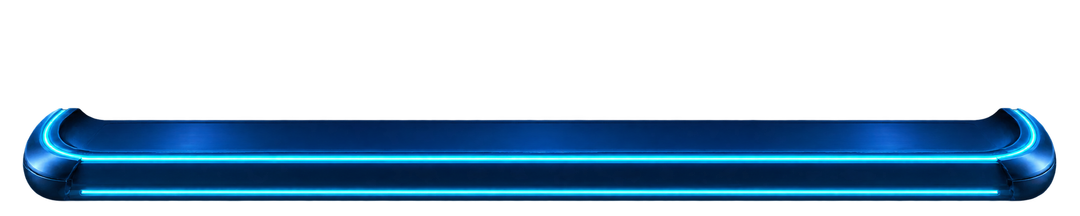
Actual dock artwork · transparency preserved
For launchers that accept custom background images.
New artwork inspired by classic dock styles. Historical reference: CarsnGadgets, customdock2cyan.png. Recreated artwork; not an original archive download.
Recreated classic
5 sizesCrimson Rail
Ruby highlights over charcoal metal for a darker setup.
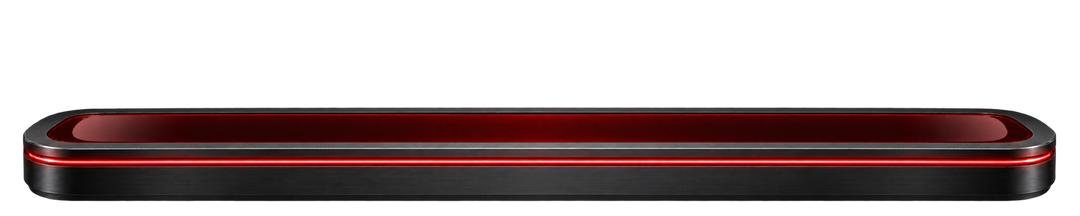
Actual dock artwork · transparency preserved
For launchers that accept custom background images.
New artwork inspired by classic dock styles. Historical reference: CarsnGadgets, customdock2red.png. Recreated artwork; not an original archive download.
Recreated classic
5 sizesChrome Shelf
Polished silver and a low profile recall the classic launcher shelf.
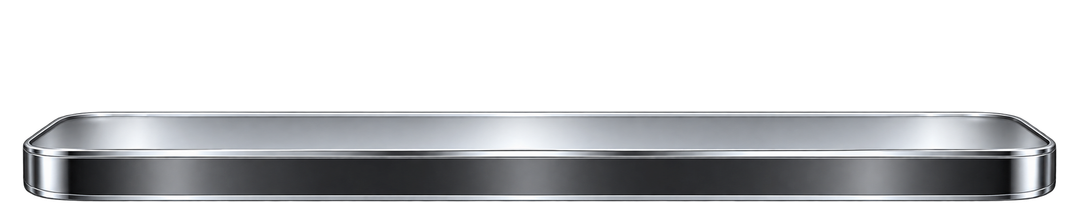
Actual dock artwork · transparency preserved
For launchers that accept custom background images.
New artwork inspired by classic dock styles. Historical reference: CarsnGadgets, customdock3.png. Recreated artwork; not an original archive download.
Recreated classic
5 sizesSmoked Glass
Soft reflections and translucent charcoal keep your wallpaper in view.
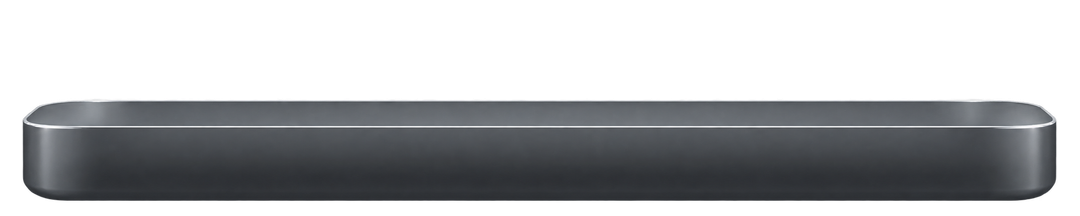
Actual dock artwork · transparency preserved
For launchers that accept custom background images.
New artwork inspired by classic dock styles. Historical reference: CarsnGadgets, customdock4glass.png. Recreated artwork; not an original archive download.
Recreated classic
5 sizesTimber Deck
Warm walnut grain with a clean, gently rounded silhouette.
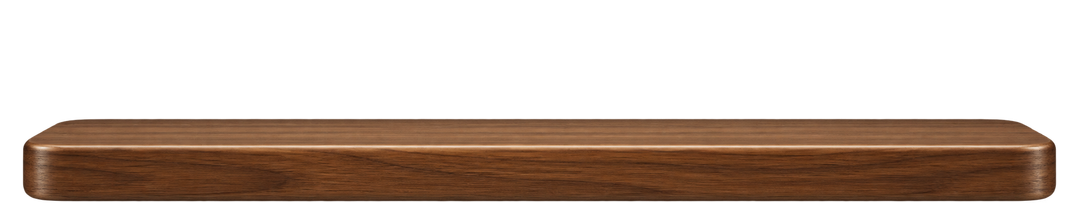
Actual dock artwork · transparency preserved
For launchers that accept custom background images.
New artwork inspired by classic dock styles. Historical reference: CarsnGadgets, deckdock1b.png. Recreated artwork; not an original archive download.
Recreated classic
5 sizesFloating Tabs
Five subtle tabs rise from a single clean slate platform.
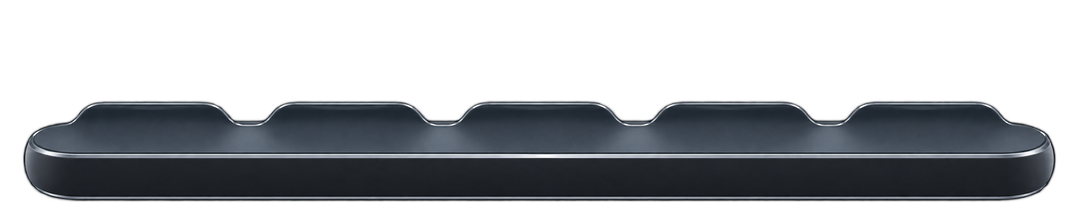
Actual dock artwork · transparency preserved
For launchers that accept custom background images.
New artwork inspired by classic dock styles. Historical reference: CarsnGadgets, tab1.png. Recreated artwork; not an original archive download.
Recreated classic
5 sizesMidnight Fade
A smooth navy gradient with a fine blue edge. Simple after dark.

Actual dock artwork · transparency preserved
For launchers that accept custom background images.
New artwork inspired by classic dock styles. Historical reference: CarsnGadgets, gradientdock.png. Recreated artwork; not an original archive download.
Droidpirate · original dock
5 sizesHippie Hideaway
Sage-green flower-power dock with golden edging and daisies. Part of the complete Hippie Hideaway theme guide.
Actual dock artwork · transparency preserved
For launchers that accept custom background images.
Original DroidPirate dock artwork.
Droidpirate · original dock
5 sizesCamp Droidmare
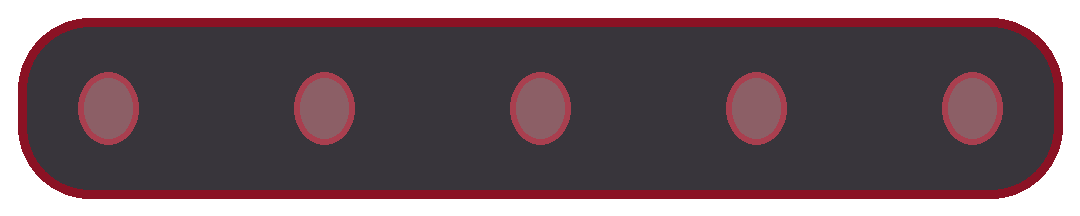
Smoked-black pixel dock with blood-red rails and five haunted shortcut sockets. Part of the Camp Droidmare theme guide.
Actual dock artwork · transparency preserved
For launchers that accept custom background images.
Original DroidPirate dock artwork.
No docks match your search. Try another style or choose All docks.
Your dock. Your screen.
These are decorative launcher docks, not launcher apps or automatic themes. The image does not add app shortcuts. Use a launcher that supports custom images or layered layouts; stock Samsung One UI does not provide a direct import for these docks.
- Choose your screen above, then download a dock. The ZIP includes all five sizes and setup notes.
- In a launcher with a custom dock-image picker, choose the dock as your dock background. If that option is unavailable, use an image object behind your app row in a launcher such as Total Launcher.
- Keep the image proportions, adjust its width to the dock area, then position your shortcuts above the platform. Leave space for gesture navigation.
- On a foldable, configure the cover, unfolded portrait and landscape layouts separately where your launcher allows. Rotating the device does not automatically install another dock.
Total Launcher image objects · Portrait and landscape layouts
Pick a canvas width
These dimensions describe the dock image, not a full-screen wallpaper. Fold 8 widths follow Samsung’s published display dimensions. Phone and tablet widths are flexible presets; launcher padding and icon grids vary. Illustrated docks use a height matched to their artwork; each card shows the exact download dimensions.
| Preset | Classic dock preset | Use |
|---|---|---|
| Standard phones | 1080 × 216 | General phone preset · adjust to your launcher grid |
| Fold 8 · cover | 1248 × 250 | Cover screen · 1248 px portrait width |
| Fold 8 · open | 1848 × 308 | Unfolded portrait · 1848 px width |
| Fold 8 · wide | 2448 × 306 | Unfolded landscape · 2448 px width |
| Tablets | 2560 × 320 | General landscape tablet preset · scales down cleanly |
Samsung Galaxy Z Fold8 specifications · Artwork, sources and setup notes