DroidPirate.com
First glance, dialed in

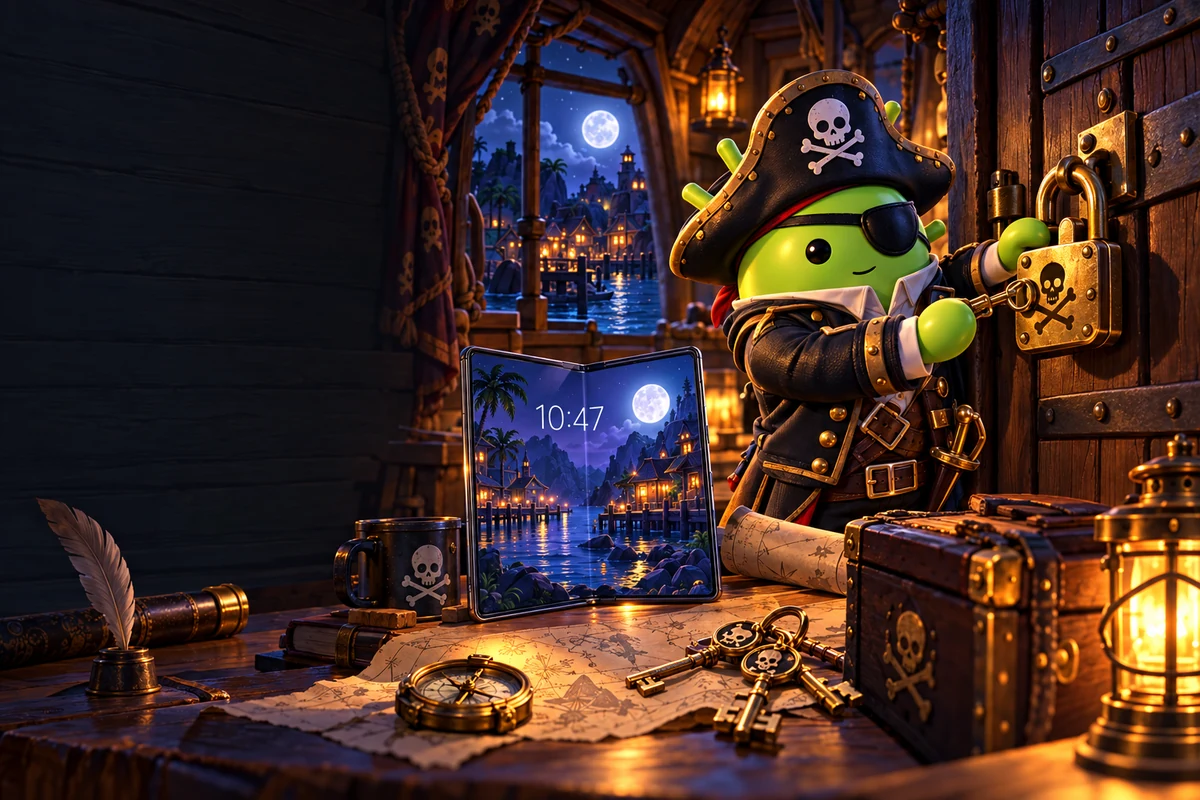
Own the lock screen.

Pair wallpaper, clock, shortcuts, and notification privacy for a lock screen that looks sharp and still works fast.

Design around the clock and notifications

Lock-screen composition is different from home-screen composition. Leave calm space around the clock, fingerprint target, and notification area so important information stays readable.

Use Android’s built-in shortcut and notification controls before adding third-party apps. A clean lock screen should improve access without exposing private content.

DroidPirate rule: Keep strong device authentication enabled. Customization should never weaken your PIN, password, biometrics, or lock timeout.
Find phone wallpapers →