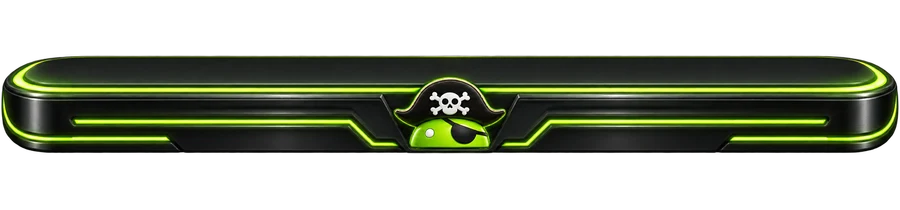
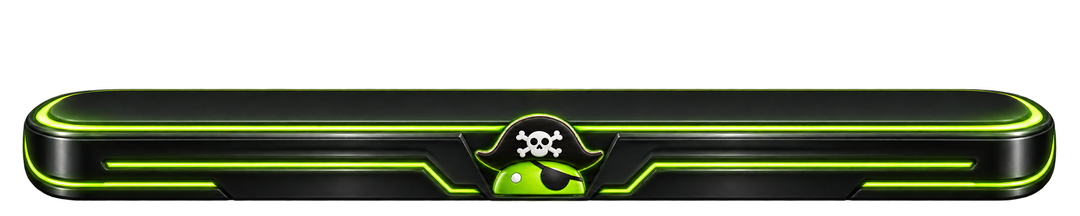
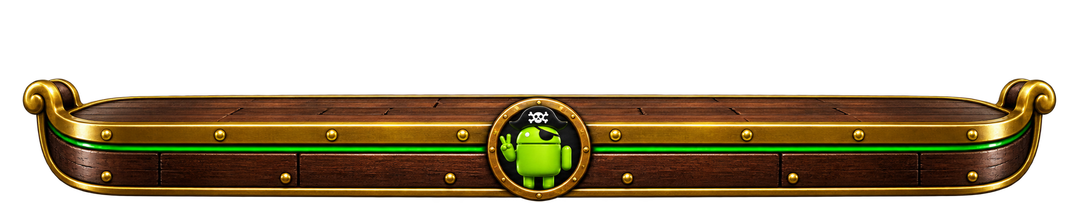
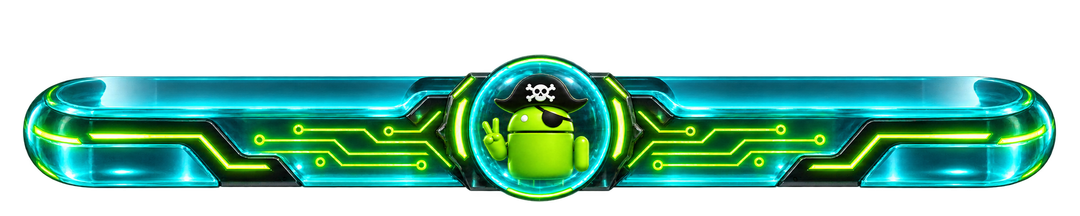
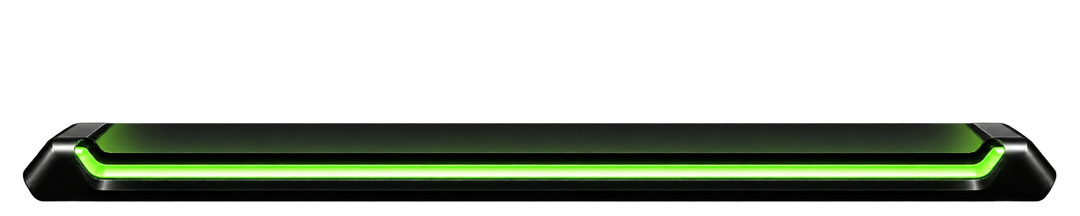
For launchers that accept custom background images.
New artwork inspired by classic dock styles. Historical reference: CarsnGadgets, customdock1green.png. Recreated with AI; not an original archive download.
Recreated classic
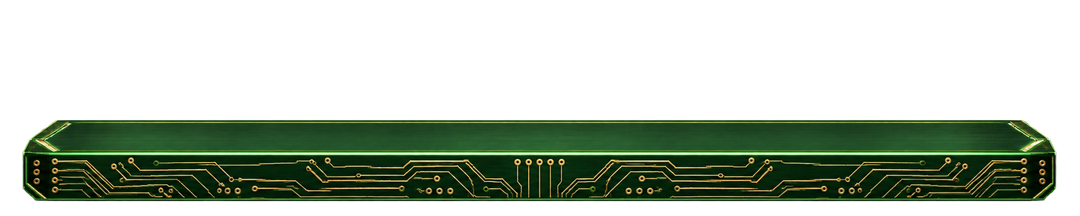
Circuit Board
5 sizes
Fine golden traces bring a little hardware to your home screen.
For launchers that accept custom background images.
New artwork inspired by classic dock styles. Historical reference: CarsnGadgets, customdock1circuit.png. Recreated with AI; not an original archive download.
Recreated classic
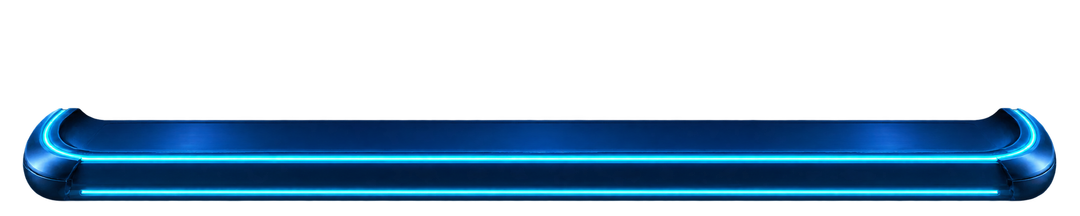
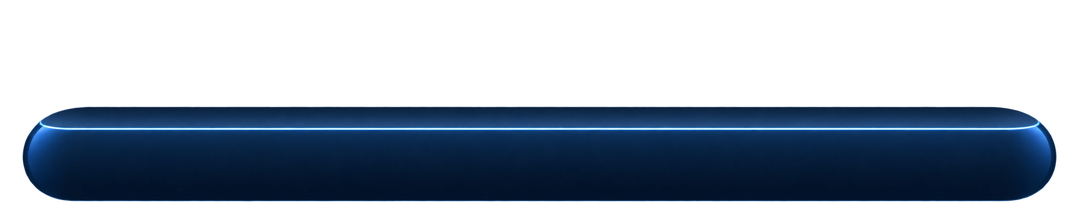
Cyan Pulse
5 sizes
Cool cyan rails and rounded blue endcaps for an electric setup.
For launchers that accept custom background images.
New artwork inspired by classic dock styles. Historical reference: CarsnGadgets, customdock2cyan.png. Recreated with AI; not an original archive download.
Recreated classic
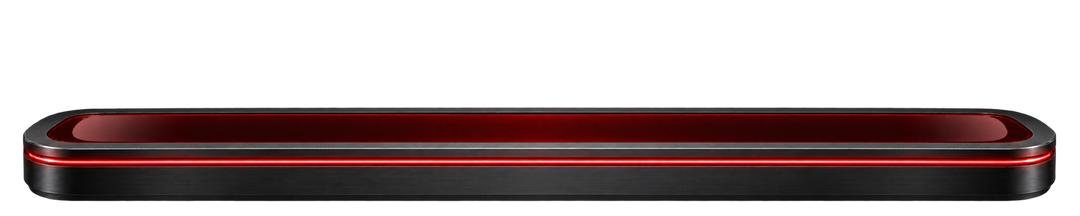
Crimson Rail
5 sizes
Ruby highlights over charcoal metal for a darker setup.
For launchers that accept custom background images.
New artwork inspired by classic dock styles. Historical reference: CarsnGadgets, customdock2red.png. Recreated with AI; not an original archive download.
Recreated classic
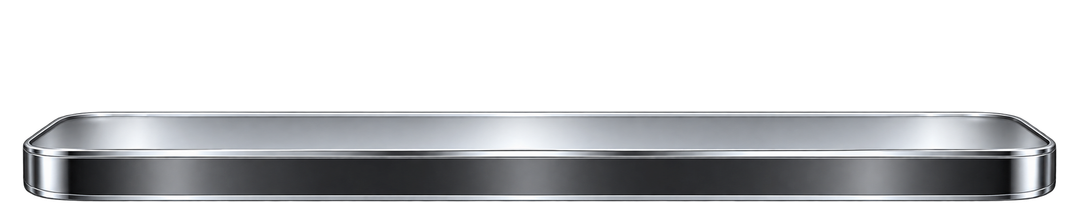
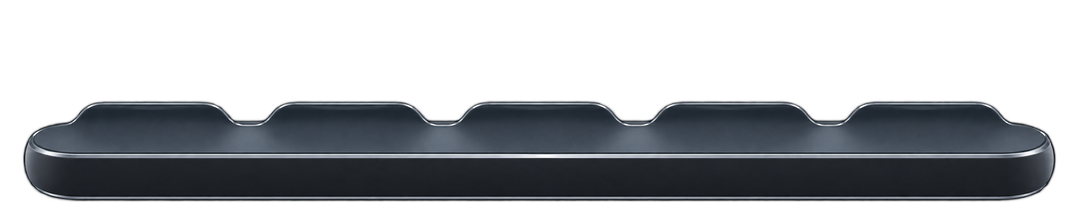
Chrome Shelf
5 sizes
Polished silver and a low profile recall the classic launcher shelf.
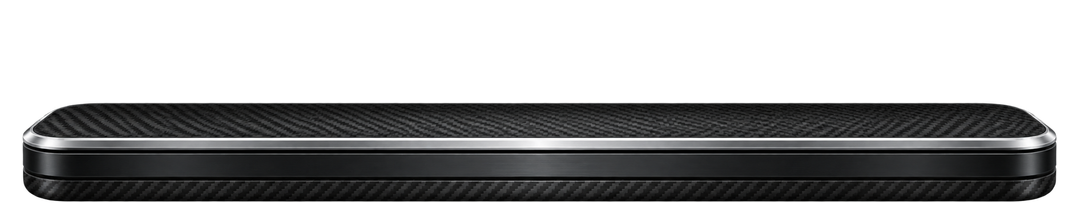
For launchers that accept custom background images.
New artwork inspired by classic dock styles. Historical reference: CarsnGadgets, customdock4glass.png. Recreated with AI; not an original archive download.
Recreated classic
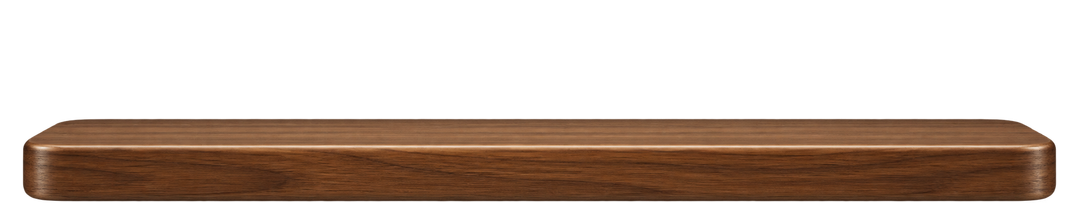
Timber Deck
5 sizes
Warm walnut grain with a clean, gently rounded silhouette.
For launchers that accept custom background images.
New artwork inspired by classic dock styles. Historical reference: CarsnGadgets, gradientdock.png. Recreated with AI; not an original archive download.
Droidpirate · original mascot dock
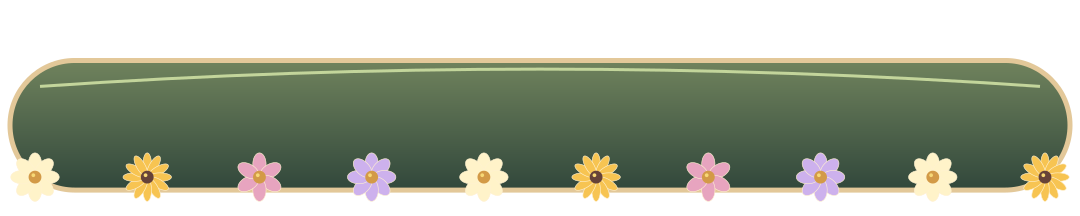
Hippie Hideaway
5 sizes
Sage-green flower-power dock with golden edging and daisies. Part of the complete Hippie Hideaway theme guide.
For launchers that accept custom background images.
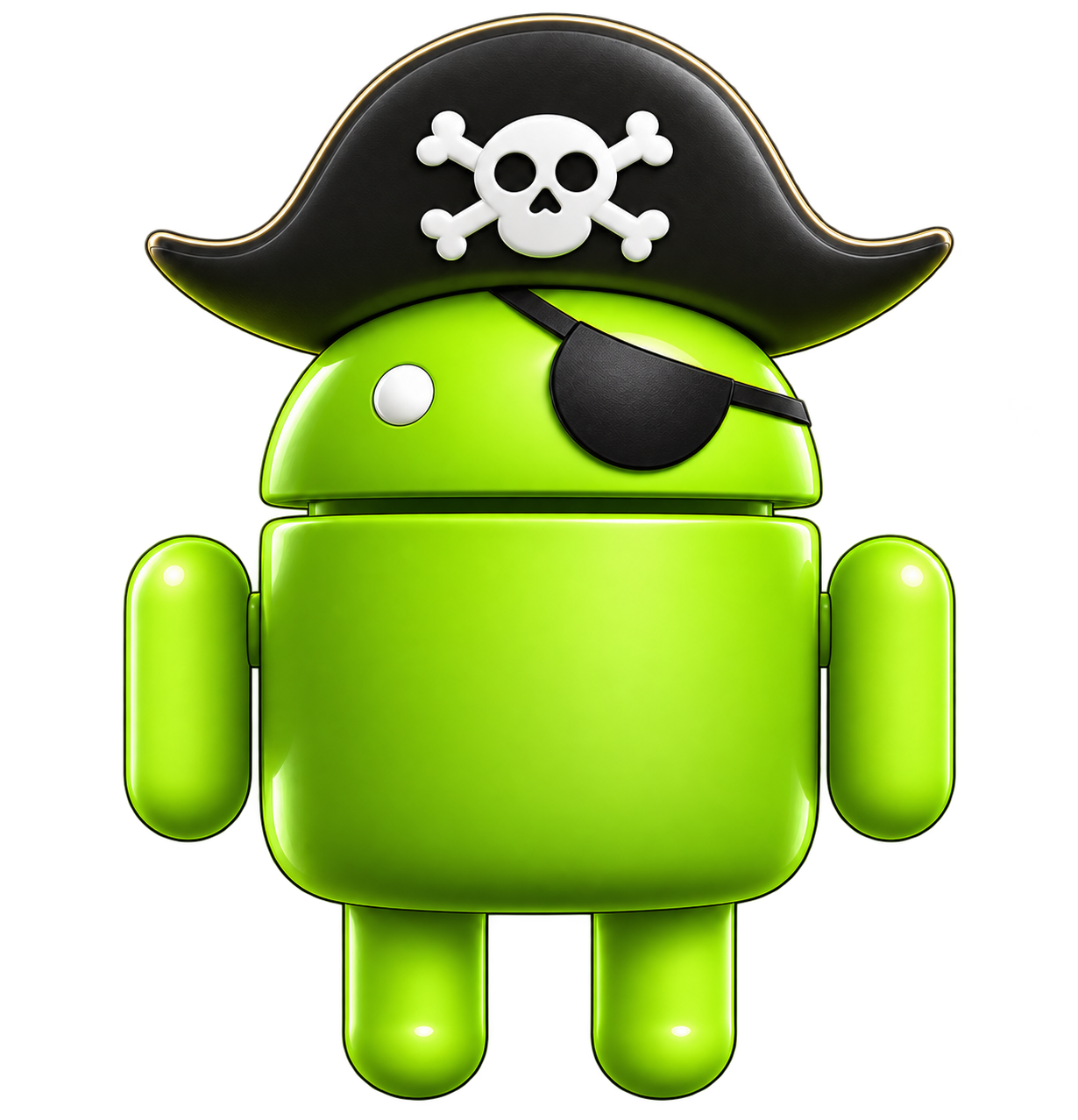
Original AI-assisted DroidPirate artwork, based on our pirate mascot.
No docks match your search. Try another style or choose All docks.
Your dock. Your screen.
These are decorative dock-background PNGs, not launcher apps or automatic themes. The image does not add app shortcuts. Use a launcher that supports custom images or layered layouts; stock Samsung One UI does not provide a direct import for these dock PNGs.
Choose your screen above, then download a PNG. The ZIP includes all five sizes and setup notes.
In a launcher with a custom dock-image picker, choose the PNG as your dock background. If that option is unavailable, use an image object behind your app row in a launcher such as Total Launcher.
Keep the image proportions, adjust its width to the dock area, then position your shortcuts above the platform. Leave space for gesture navigation.
On a foldable, configure the cover, unfolded portrait and landscape layouts separately where your launcher allows. Rotating the device does not automatically install another PNG.
These dimensions describe the dock image, not a full-screen wallpaper. Fold 8 widths follow Samsung’s published display dimensions. Phone and tablet sizes are flexible presets; launcher padding and icon grids vary.
Preset
PNG size
Use
Standard phones
1080 × 216
General phone preset · adjust to your launcher grid
Fold 8 · cover
1248 × 250
Cover screen · 1248 px portrait width
Fold 8 · open
1848 × 308
Unfolded portrait · 1848 px width
Fold 8 · wide
2448 × 306
Unfolded landscape · 2448 px width
Tablets
2560 × 320
General landscape tablet preset · scales down cleanly
 .com
.com